
SaaS Marketing Site Structure Audit
What this page covers
SaaS Marketing Site Structure Audit
Use a SaaS marketing site structure audit to see how your public URLs are organized and whether the site has clear home, hub, and leaf relationships.
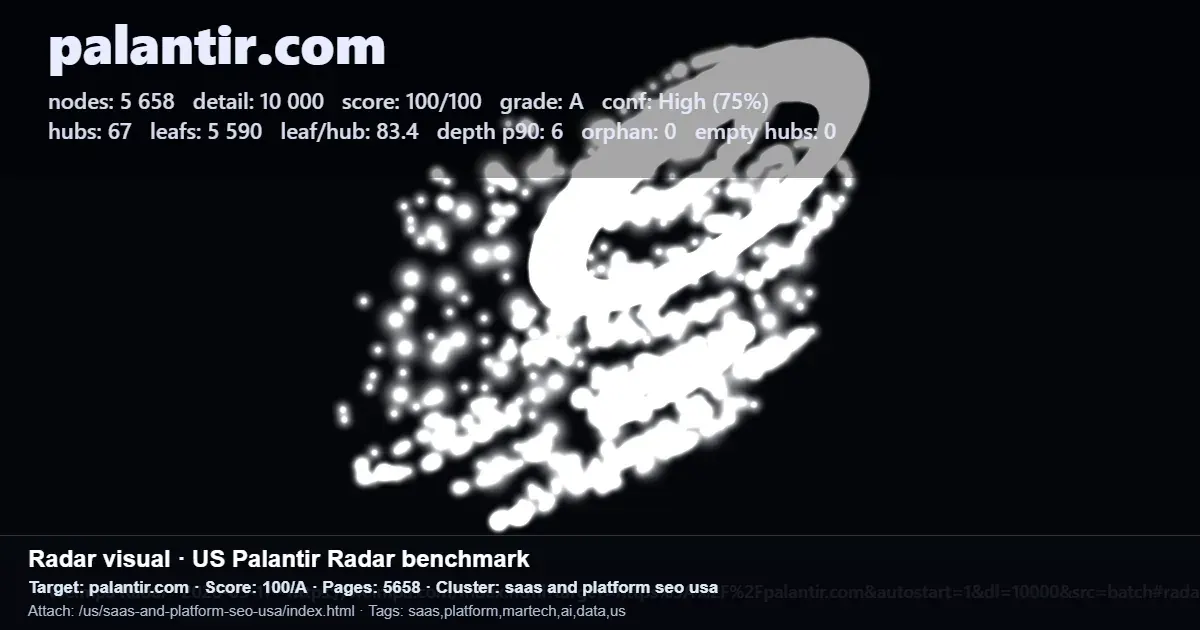
Radar scans a public site and creates a URL structure map, share link, PNG share card, and public scans feed so teams can review the structure together.
In brief
- Map the public URL structure so you can see whether strong hubs, leaf clusters, and connected sections are already in place.
- Run the audit before producing new content to check whether the current structure can support new pages cleanly.
- Keep the review practical: scan the site, check whether the structure makes sense, then share the link or PNG card with a teammate or client.
What to do
Start with a scan of the live SaaS marketing site. Radar maps the public URL structure and shows home, hub, and leaf relationships, giving the team a compact view of how the site is arranged.
Review the map for basic structural health. Look for clear hubs, related leaf clusters, and any visible sections that seem isolated, thin, or poorly connected to the rest of the site.
Use the share link or PNG card to make the audit easier to discuss. If someone can understand the structure without a long meeting, the map is doing its job as a practical review artifact.
What to keep in mind
Radar scans up to 1,000 pages per run. Coverage depends on public sitemaps and shallow crawl signals, so the map should be treated as a view of discoverable public structure, not a full private site inventory.
The scan does not bypass protected, blocked, or unavailable pages. If important SaaS marketing URLs are not public or are missing from available signals, they may not appear in the mapped structure.
Radar provides structure mapping without AI interpretation. Use it to see and share the URL architecture, then apply your own judgment when deciding whether hubs, leaf clusters, or planned content sections need to change.