
New Page Wave Link Routing
What this page covers
New Page Wave Link Routing
New page wave link routing is the process of assigning internal links to newly published URLs so each page fits a clear hub, leaf, and crawl-depth structure.
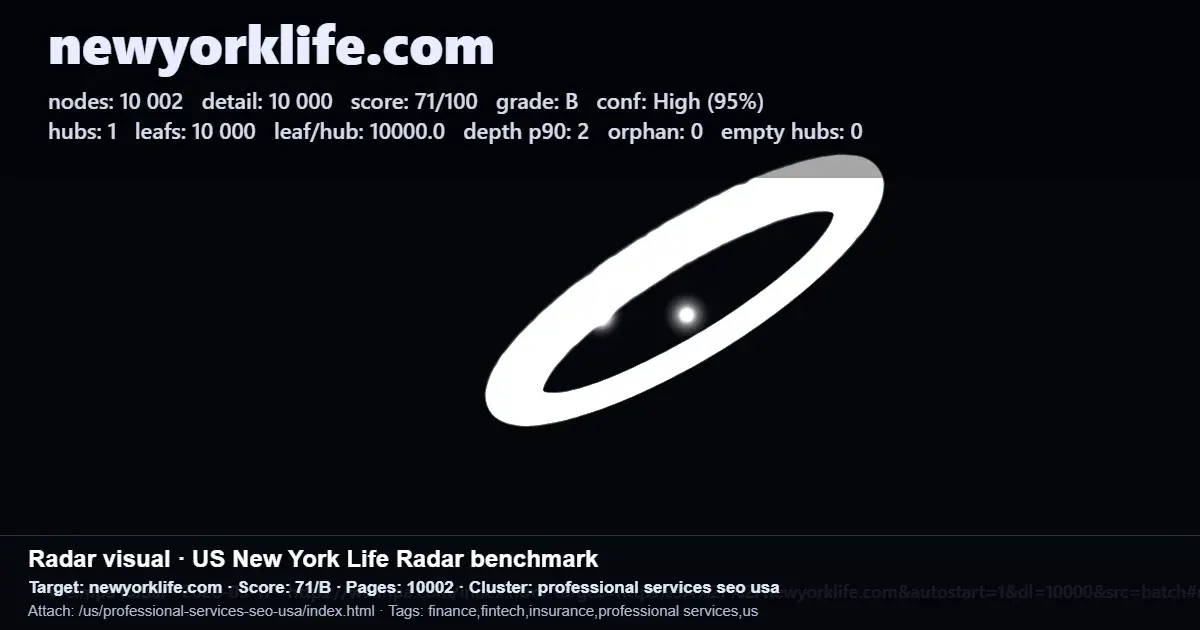
Radar-style reviews make routing measurable by checking page counts, hub and leaf patterns, orphan status, crawl depth, incoming links, outgoing links, and benchmark scores.
In brief
- Treat every new URL as part of the site structure, not as an isolated page. Check its hub, leaf role, crawl depth, and orphan status before the wave is complete.
- Plan the route in both directions. Incoming links show how a new page is discovered, while outgoing links show how it connects users and crawlers to related pages.
- Keep routing rules consistent at scale. Benchmarks include sites with hundreds, thousands, and more than 10,000 pages, so manual judgment alone is not enough.
What to do
Start by reading the site as a graph of pages, hubs, and leaf URLs. Benchmarked examples include 517 pages with 23 hubs, 3,572 pages with 160 hubs, and more than 10,000 pages, so each new URL should be placed where its relationship to the wider structure is clear.
For every new page wave, review incoming and outgoing link signals together. Incoming links confirm that the page is reachable from the existing structure. Outgoing links confirm that the page is not a dead end and has a practical connection to related URLs.
Keep the review simple enough to repeat after each launch. Track whether new pages attach to the right hubs, whether any become orphaned, and whether crawl depth remains easy to understand. Page-level checks can also include visible signals such as links, headings, images, and word count.
What to keep in mind
The useful proof points are structural, not speculative. Benchmarks report page totals, hub counts, leaf counts, crawl depth, orphan status, scores, grades, and confidence levels across different types of sites.
Orphan status matters during a new page wave because a page can be published without being clearly reachable through the internal structure. Some benchmarked sites report zero orphan pages, which makes this a measurable condition to check.
This does not mean one fixed link pattern will produce a specific score. The grounded signals are incoming links, outgoing links, hubs, leaf pages, crawl depth, orphan status, page counts, and benchmark scoring, so routing decisions should stay tied to those observable items.