
Internal Linking Map for Growth Pages
What this page covers
Internal Linking Map for Growth Pages
Use an internal linking map to connect growth pages to the right hubs, leaf pages, and supporting URLs so your site structure is easier to review and improve.
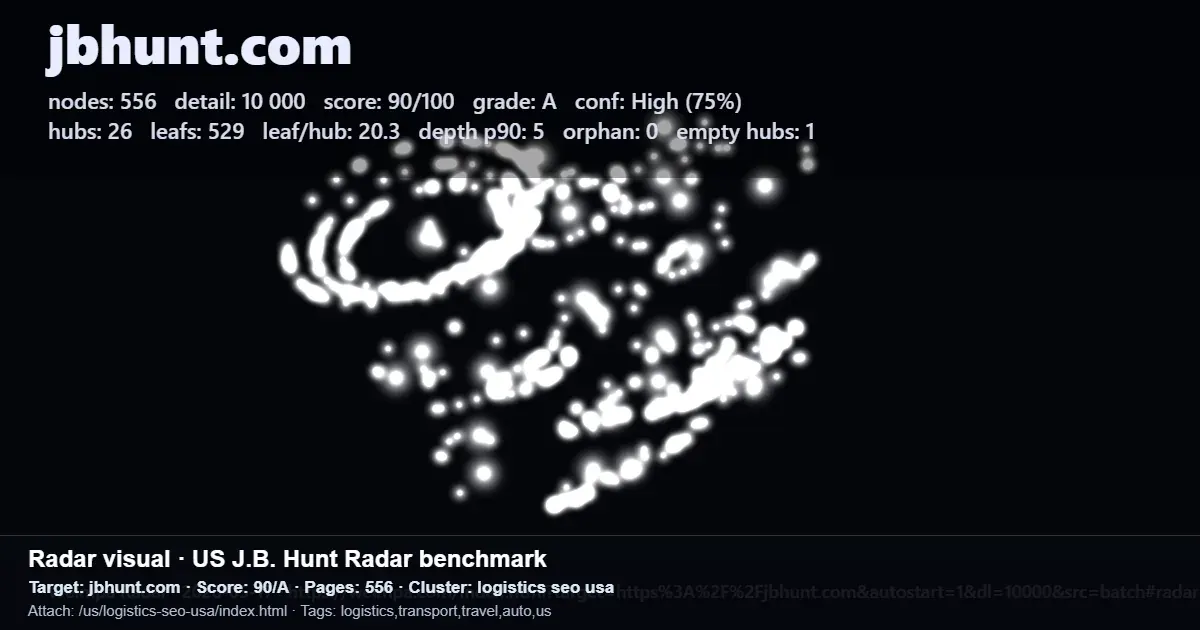
Radar starts with a public website structure scan, graph visualization, visible pages and hubs, weak spots, and practical next steps.
In brief
- Map each growth page against your hub and leaf architecture so every priority URL has a clear role in the site structure.
- Use the map to compare live site coverage with search demand, including areas that may need automated matching or manual review.
- Connect the map to internal linking, sitemap quality, deployment, and growth monitoring instead of producing more generic content.
What to do
An internal linking map for growth pages is a practical planning layer for teams that need qualified inbound demand from Google and AI-powered search. It shows how public pages, hubs, leaves, and weak spots fit together before the team decides what to fix first.
Start with a Radar scan to see how the public website is structured. The scan can show a website graph, pages, hubs, leaves, weak spots, sitemap, robots, and home access checks, along with a readiness score and practical next steps.
When a structural gap is visible, the map can guide the missing search layer: US demand mapping, hub and leaf page planning, evidence-backed Q&A pages, internal links, deployment, sitemap submission, and growth monitoring.
What to keep in mind
This approach is useful for CMOs, growth teams, SEO teams, agencies, SaaS teams, marketplaces, directories, franchise networks, and multi-location businesses that need a clearer view of site structure and demand coverage.
The map should stay tied to the real website. Radar focuses on public structure scanning and helps show which pages and hubs are visible, where discovery is blocked, and what should be fixed first.
For larger checks, Early Access expands the demo into a closed extended mode with up to 20,000 pages per run, AI interpretation, and a two-site comparison view on one screen.